

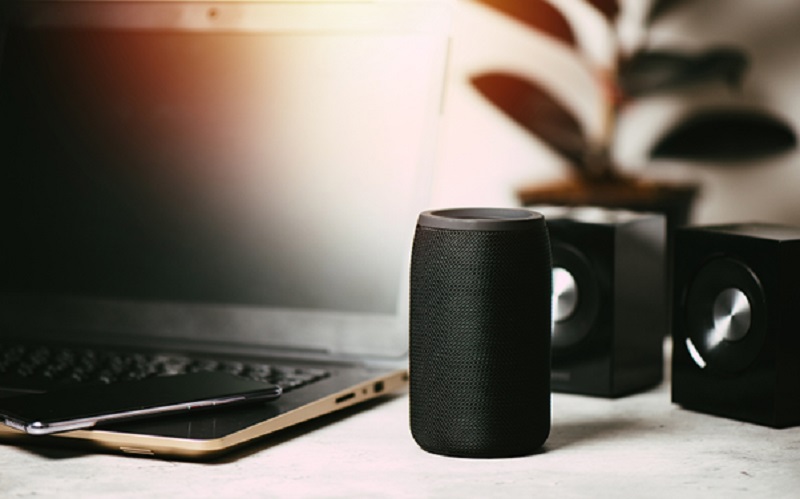
Bluetooth speakers and soundbars have become staples in many Singaporean homes, offering enhanced audio experiences for music, movies, and gaming. However, like all technology, they can encounter issues.
Explore a guide to the solutions for the common problems of these audio devices, ensuring you can quickly get your equipment back in working order.
Connection and Pairing Issues
The most frequent problem users face is the inability to connect or pair their Bluetooth speakers or soundbars with a source device. This issue can be frustrating, especially when attempting to set up a new system or reconnect a previously working one.
Firstly, ensure Bluetooth is enabled on both your speaker/soundbar and the source device (e.g., smartphone, tablet, TV). Many devices have a dedicated Bluetooth button or a specific setting to activate pairing mode. Look for a flashing light on your speaker or soundbar, indicating it is discoverable. Next, verify that the devices are within the recommended Bluetooth range, typically around 10 metres. Obstacles such as walls, furniture, or other electronic devices can interfere with the signal. Clear the Bluetooth memory on both the speaker/soundbar and the source device if multiple devices have previously been paired, then attempt to pair them again from scratch. A simple restart of both devices can also resolve temporary glitches in their Bluetooth modules.
Users employing soundbars specifically must ensure they have selected the correct input source (e.g., Bluetooth, HDMI, Optical) on the soundbar itself. Some soundbars may also require a firmware update to resolve known connectivity bugs, which can usually be performed via a companion app or a USB drive.
No Sound or Intermittent Audio
Experiencing no sound or audio that cuts in and out can significantly disrupt your listening experience. This issue can stem from various sources, ranging from simple volume settings to more complex interference problems.
Begin by checking the volume levels on both the Bluetooth speaker/soundbar and the connected source device. Ensure neither is muted.
Users operating a soundbar with a television should confirm that the TV’s audio output settings are correctly configured to send sound to the soundbar rather than the internal TV speakers. Similarly, for wired soundbar connections, inspect all cables (HDMI, Optical, RCA) to ensure they are securely plugged in and undamaged. A loose or faulty cable is a common culprit for no audio.
Intermittent audio for Bluetooth connections is often caused by signal interference. Move the speaker or soundbar closer to the source device and away from other wireless electronics like Wi-Fi routers, microwave ovens, or other Bluetooth devices operating on the same frequency. Low battery levels in portable Bluetooth speakers can also lead to weakened signals and audio dropouts, so ensure the speaker is fully charged.
Lastly, try playing audio from a different source or app to determine if the issue lies with the device, the speaker/soundbar, or the audio content itself.
Distorted or Poor Sound Quality
Crackling, buzzing, or distorted audio can significantly degrade your listening experience, turning enjoyable sound into an irritating noise. These issues often indicate a problem with signal integrity or speaker components.
First, try lowering the volume on both the source device and the speaker/soundbar. Over-amplified signals can cause distortion.
Ensure the Bluetooth speakers are not too far from the source, as being at the edge of the range can lead to signal degradation and crackling. Interference from other electronics can also introduce unwanted noise. Relocate the speaker away from potential interference sources. Sometimes, outdated firmware on your Bluetooth speaker or soundbar can manifest as sound quality issues; check the manufacturer’s website for available updates.
Users employing soundbars in Singapore that are connected via HDMI ARC must ensure that the TV’s audio output is set to a compatible format (e.g., PCM) if they are experiencing issues with compressed audio formats like Dolby Digital. There might be a physical issue with the speaker drivers or internal components if the sound distortion persists across all sources and connections, which would necessitate professional repair.
Remote Control Not Working
A non-responsive remote control can make operating your soundbar inconvenient. This problem is usually straightforward to diagnose.
The first step is to replace the batteries in the remote control. Even if they seem to have some power, low battery voltage can cause erratic behaviour or complete failure.
Ensure there are no obstructions between the remote and the soundbar’s infrared (IR) sensor. Dust or debris on the IR sensor of either the remote or the soundbar can also hinder signal transmission, so clean them gently with a soft cloth. Users of soundbars with a companion mobile app must try using the app as a remote control to ascertain if the issue is with the physical remote or the soundbar’s IR receiver. However, for soundbars that support HDMI CEC (Consumer Electronics Control), ensure this feature is enabled on both your TV and soundbar, as this allows your TV remote to control the soundbar’s basic functions.
A factory reset of the soundbar (refer to its manual for instructions) might resolve software-related remote control issues if all else fails.
Users can often resolve issues with their Bluetooth speakers and soundbars without requiring professional assistance by systematically addressing these common problems, ensuring uninterrupted audio enjoyment.
Still experiencing issues? Visit Harvey Norman Singapore for an audio device upgrade that guarantees crystal-clear audio.
